
Baby Puzzles for Kids
CLEVERBIT
Nov 22, 2017
Feb 23, 2026
52.49 MB
5.9.2
7.1
5,000,000+

Description
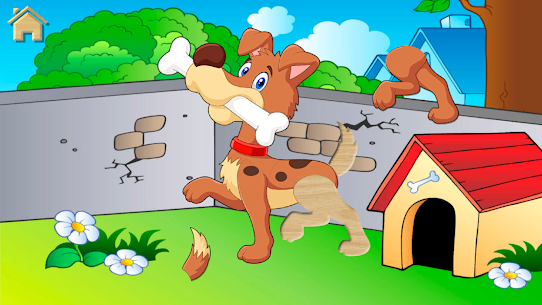
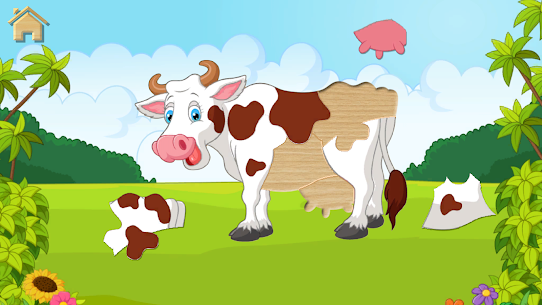
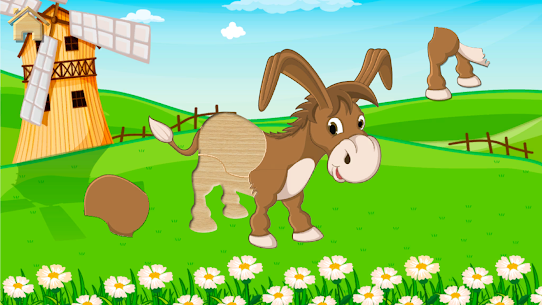
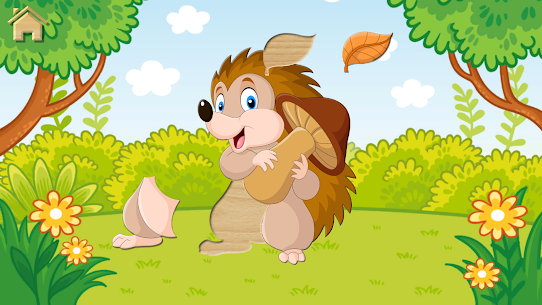
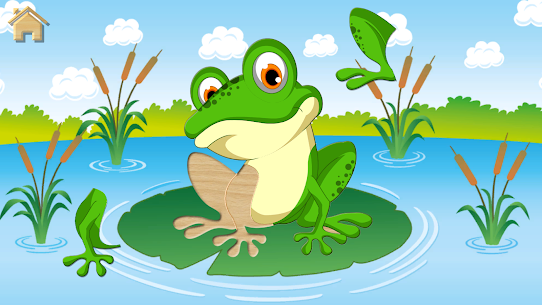
"Funny animals" baby puzzles for kids is a free jigsaw puzzle game that helps your kids to develop the cognitive, tactile and fine motor skills while playing different animal puzzles.
This colorful Montessori game brings your kid from 2 to 3 years old into the amazing learning game where baby will be able to put wooden animal puzzles together in order to create numerous pets and cute animals while popping air-balloons and listening to their animal sounds.
This game is great for both boys and girls and helps to develop and improving memory, attention, logical thinking, and fine motor skills, amusing your kids and bringing them a lot of fun at the same time.
Is your baby crying and tries to grizzle while you are trying to talk with the doctor in the hospital? Is your kid bored at the airport departure gate or at the train station? There’s a solution! Just give him a tablet for kids or a baby phone, launch Puzzles for Kids and forget about their whining and naughtiness. Confirmed! 😁
The main features of our learning games for girls and boys:
• development of fine motor skills, memory and attention
• developing games for kids from 1 year and for children from 2 to 3 years
• your children will learn animal sounds in a funny manner
• Montessori learning games and puzzles for children
• baby puzzles, animal sounds and balloon pop in one game for kids
• helps your child grow, learn, have fun, and even give parents some time off
If you like our free educational games, we kindly ask you to write a review on Google Play
• and visit our website at http://cleverbit.net
Images


Download links
How to install Baby Puzzles for Kids?
1. Download the ZIP file.
2. Install the Split APKs Installer application
3. Open the application and click on "Install APKs".
4. Find the folder where the downloaded ZIP is located and select it.
5. Follow the steps that appear on the screen.
Related apps





Latest Apps
Most rated apps


